
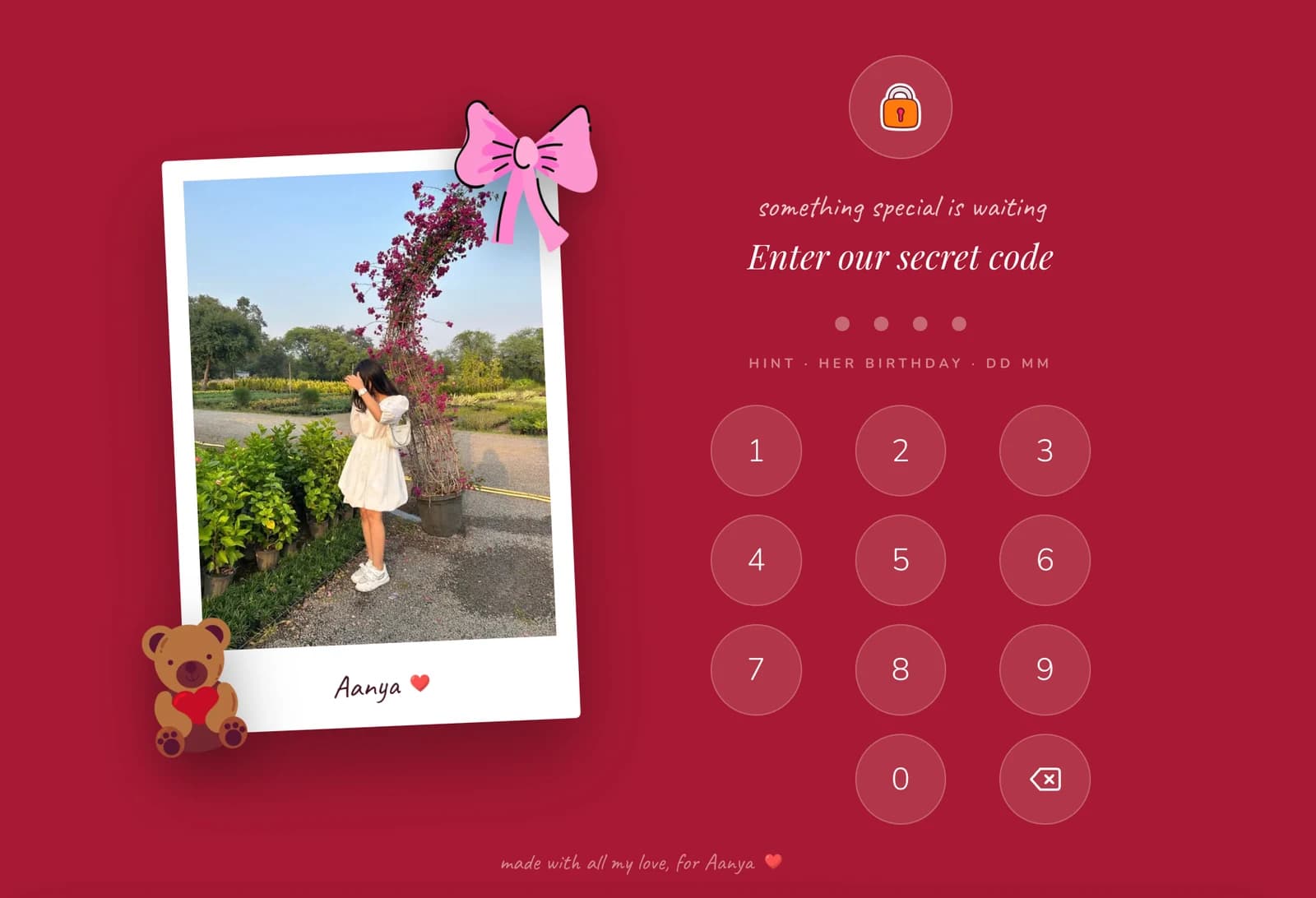
Rosewood
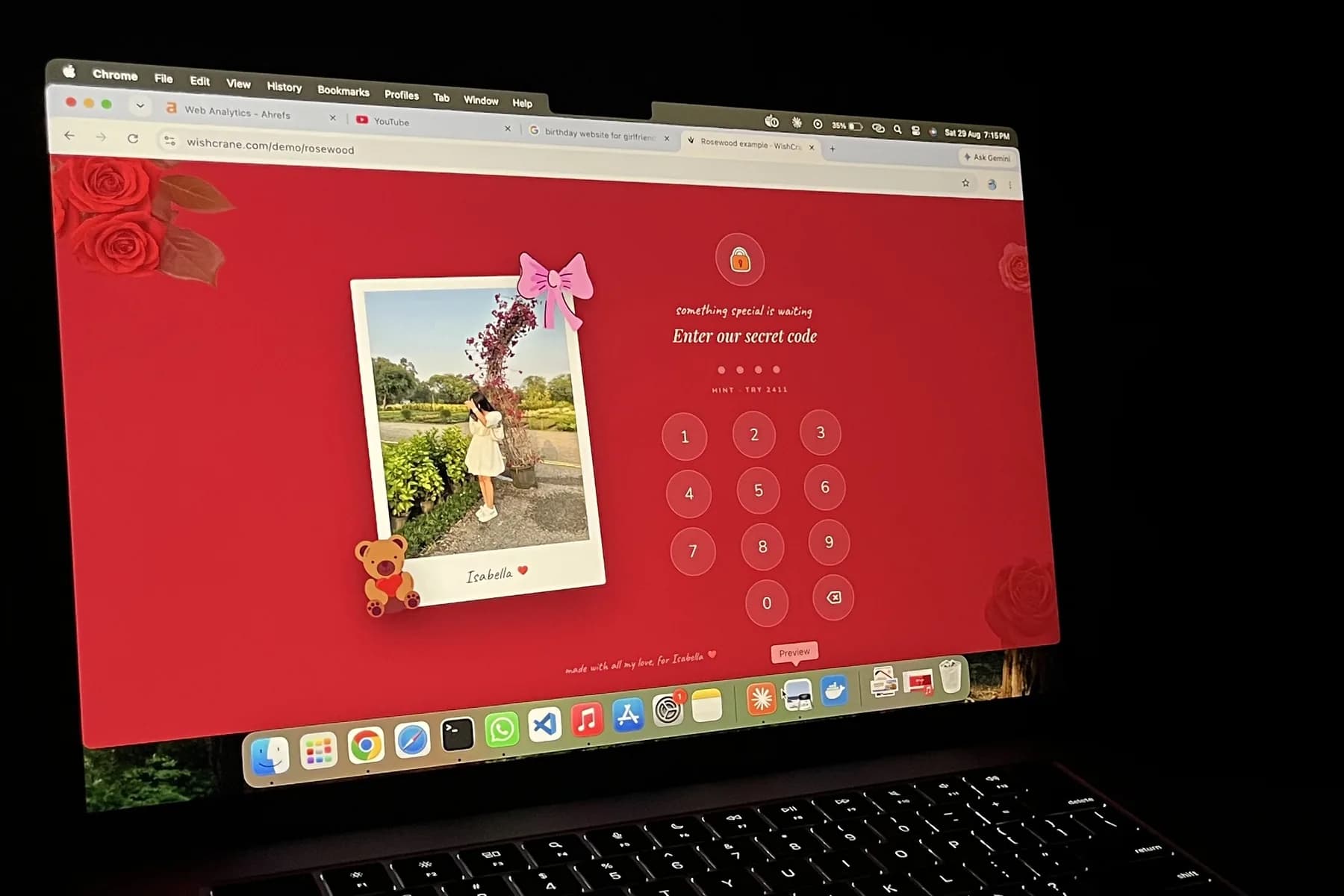
Deep red and cream, with roses and a handwritten feel. The warm one.
Create a personalised birthday website for your girlfriend with your photos, your memories, a letter and one private link.
She types a four digit code only the two of you know, and the whole thing opens up.
Start for free. No coding and no hosting. You pay once, at the end.
Flowers are lovely for four days. Chocolates last about two. The nice thing you ordered arrives in packaging she throws away, and by March it has quietly joined everything else.
What she does not get from anyone is the whole thing written down. The photos in order, the reasons, and the sentence you have been meaning to say properly for months.
WishCrane builds that page for you. You pick the photos and write the letter. Nothing else is left to work out.
A birthday gift for your girlfriend made out of your own photos, rather than picked off a shelf.
Fill it with the photos, the memories and the things you actually want to tell her.
Send one private link on her birthday and let her find what is inside it.
A card ends up in a drawer. The website is still there on her next birthday.
You choose the photos and write the message. WishCrane does the rest.
Not a card. A whole little world.
The page starts closed, behind a four digit code you choose. Her birthday, the day you met, whatever means something to the two of you.
Candles she puts out herself, on her own screen, before anything else happens. Small and silly, and the part people always mention afterwards.
The pictures you pick fill a polaroid stack she can toss aside, an album with pages that turn, and the frame beside the lock screen.
The thing you actually want to say, sealed behind a wax seal until she taps it open. Most people write more here than they expect to.
Short notes about her. Not a paragraph, just the things you would say if someone asked why her.
A real page at a real address. She can open it again next year, with nothing to renew in between.
No account to make, no app to download, nothing to install.
Two to choose from. Rosewood is deep red and warm. Aurora is night blue, with northern lights and falling snow. Open both and pick the one that feels like her.
Five to twelve pictures, a letter and the reasons. Every field already has something sensible in it, so you are editing rather than facing a blank page.
Pay once and your website goes live. Your private link arrives by email, ready to send whenever you like.
Both are live and working. Open one, try the code on the hint, and go through the whole thing.
Deep red and cream, with roses and a handwritten feel. The warm one.
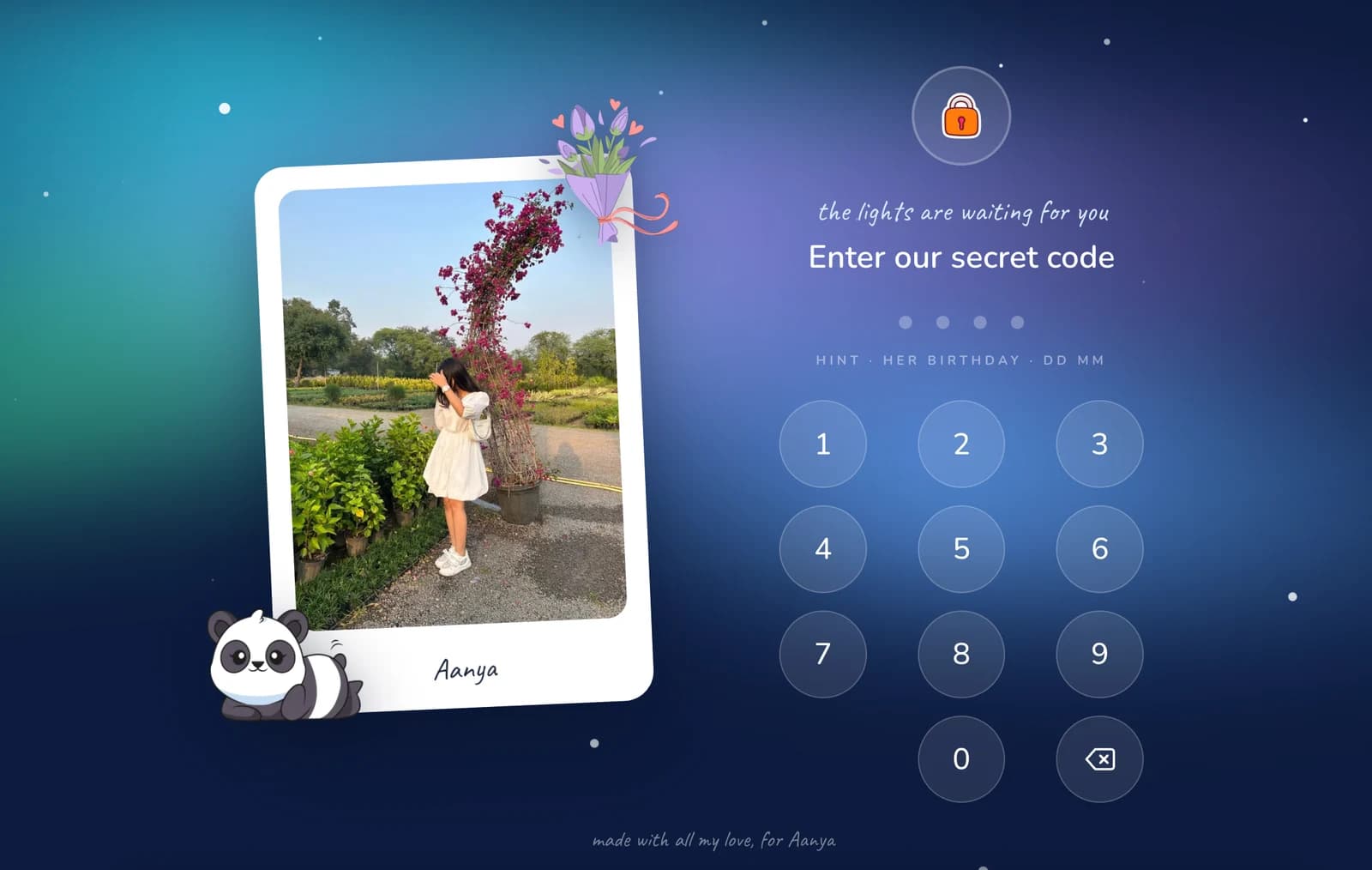
Night blue skies, northern lights and falling snow. The dreamy one.
One payment, made at the end. There is no subscription and nothing renews.
One birthday website
$3.99$12.99
One-time payment. No subscription.
Start for free. You only pay once the page is finished and you are happy with it.
No. There is nothing to install, no account to make and no hosting to set up. You fill in a form and the website is built for you.
About ten minutes if your photos are already on the device you are using. The writing is the slow part, and every field starts with something reasonable in it.
No. She taps the link, types the four digit code you chose, and it opens in whatever browser is already on her phone.
Each page has its own private link, it is protected by your four digit code, and it is not listed publicly or indexed by search engines. Photos also have their metadata stripped, GPS location included, before they are stored.
Between five and twelve. They fill the polaroid stack, the album and the lock screen frame, and you can swap any of them before you send it.
Yes, for 24 hours after it goes live. An edit link arrives in your email, and anything you change updates on the link she already has.
No. It is one payment with no subscription and no renewal, so there is nothing to cancel later.
Ten minutes now, and she has something to open that nobody else has.